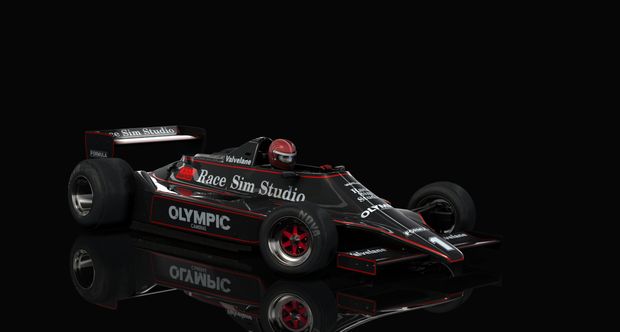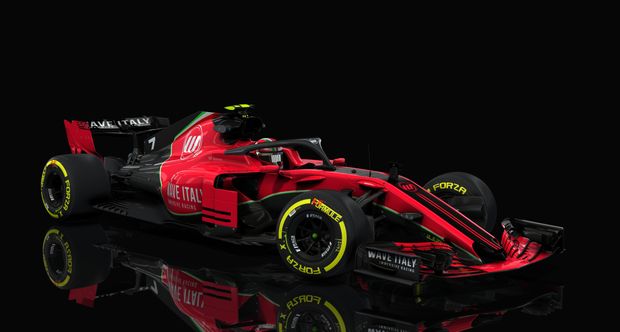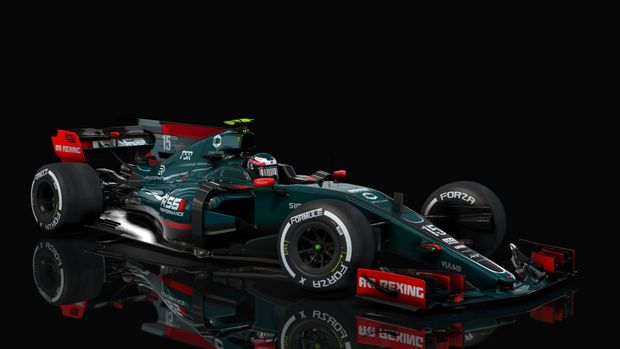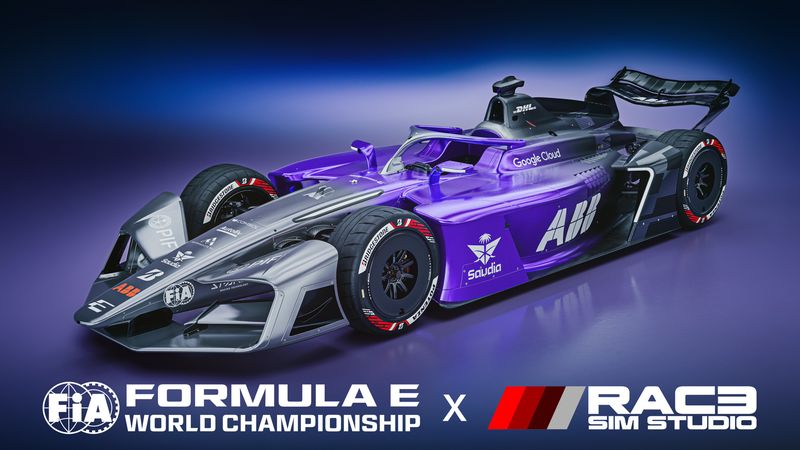
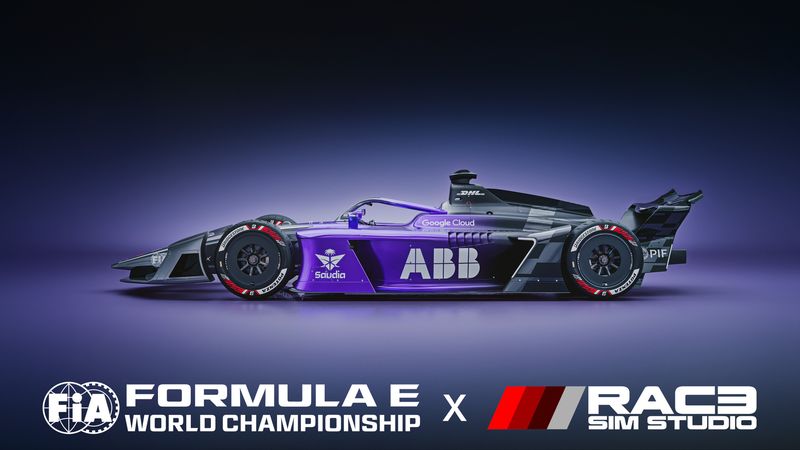
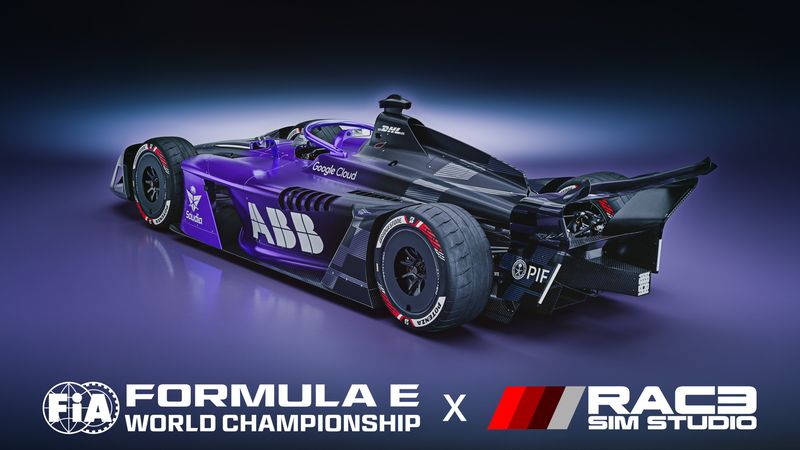
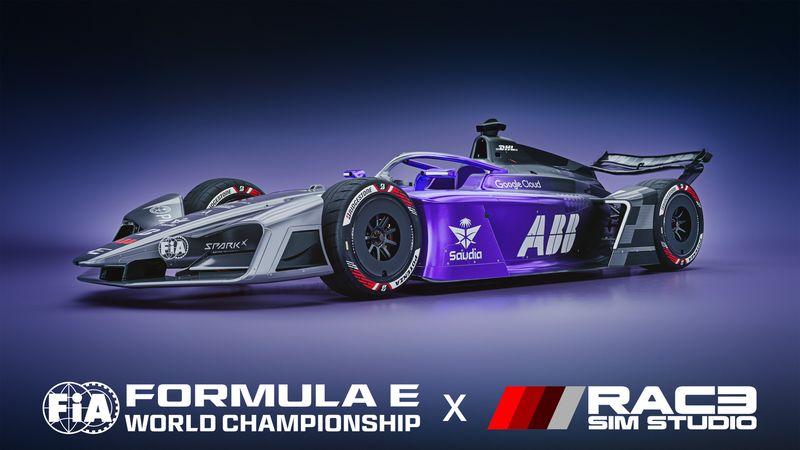
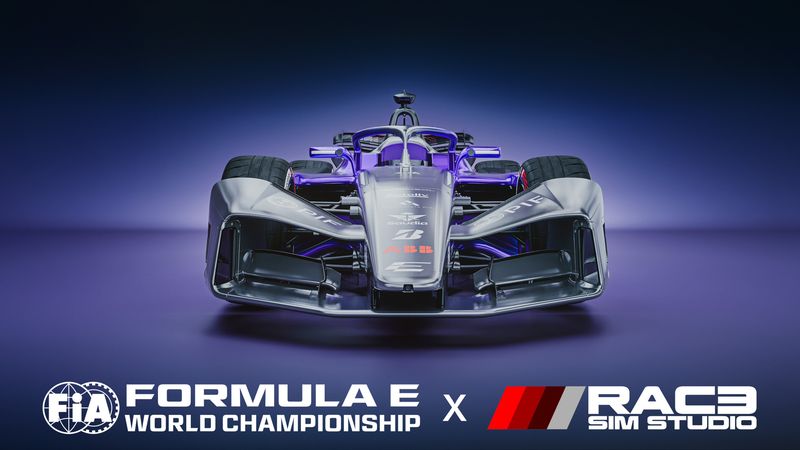
FIA Formula E GEN4
For Assetto Corsa on PC · Requires Custom Shaders Patch 0.3.0 or later
Formula E GEN4
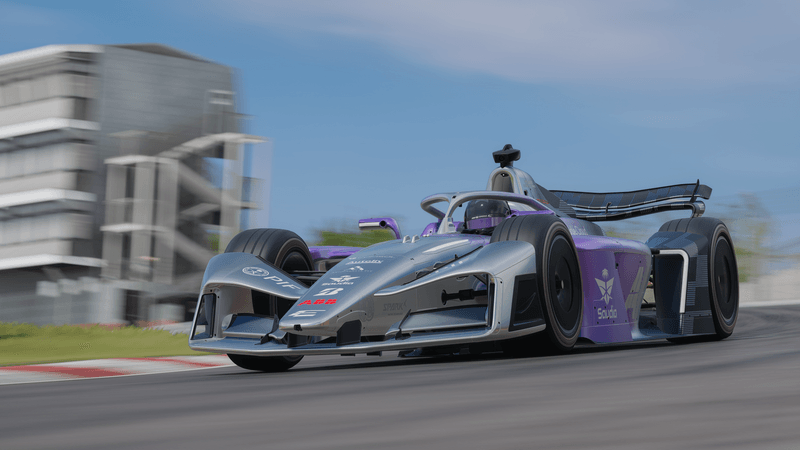
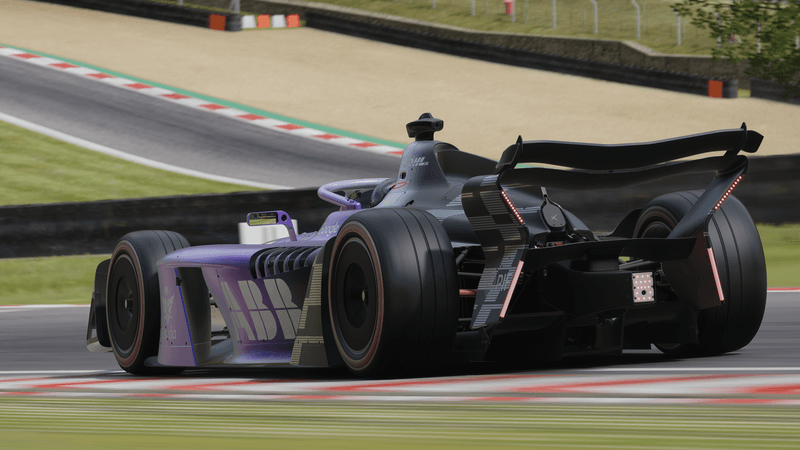
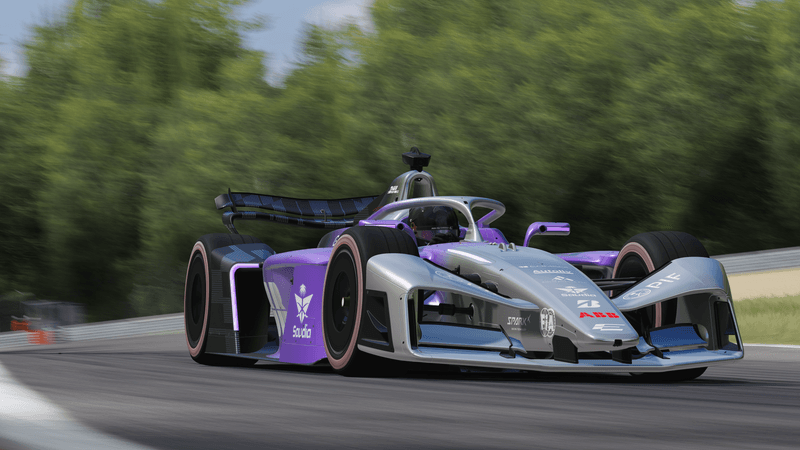
Race Sim Studio brings its first officially licensed Formula E car to Assetto Corsa. Developed using technical data supplied for the project, GEN4 puts up to 600 kW of electric power through all four wheels and makes energy management part of every race.
Decide where to lift and coast, where to recover energy under braking and when to use Attack Mode. In races with Pit Boost, plan your stop around the battery charge window. A dedicated suite of Formula E apps covers car setup, live telemetry and broadcast graphics.
Vehicle Features
- Active All-Wheel Drive: Front and rear electric motors deliver up to 450 kW in standard race running and up to 600 kW at race starts and in Attack Mode.
- Regenerative Braking: Recover up to 700 kW across both axles. Adjust lift-off recovery, traction control and ABS to suit the circuit and your driving style.
- Two Downforce Packages: Choose high downforce for cornering grip or low downforce to reduce drag. Each package has its own front flap adjustment to fine-tune the aero balance.
- Formula E Race Strategy: Race in E-Prix and E-Prix Unleashed formats. Activate Attack Mode through a designated zone in races, and recharge in your pit box when the event calls for Pit Boost.
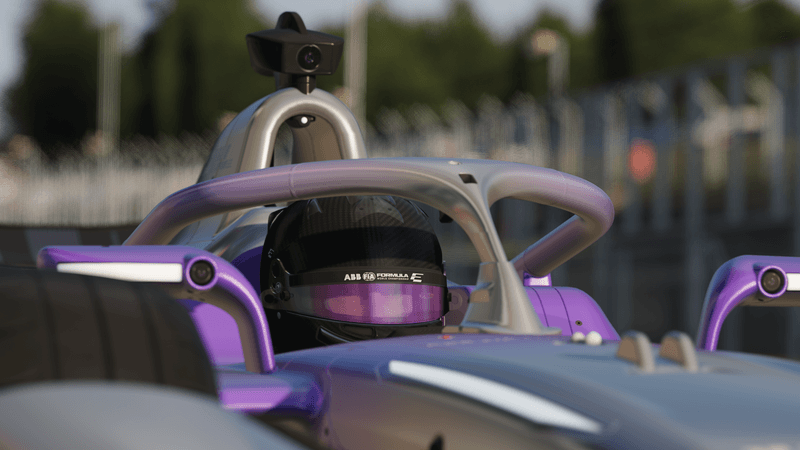
- Cockpit, Lighting and Sound: Follow power, energy and race status on the digital steering wheel display. Dedicated electric powertrain audio and body lighting respond to what the car is doing.
- Official Liveries Coming Early Season
Included RSS Applications
Formula E Control Centre
Adjust driving aids and power delivery, set your Attack Mode and Pit Boost plans, and map driving and broadcast controls from the car setup screen.
Formula E Broadcast HUD and Tower
Follow the car in focus or show the full running order with Formula E broadcast graphics. The tower includes animated energy reveals, Attack Mode status, Pit Boost progress and optional driver portraits and team details. Adjust scale and background transparency to suit your layout.
Driving and Telemetry Tools
- Formula E HUD: Keep power, race energy, lap timing and strategy status in view while driving.
- Formula E Engineer Tools: Inspect vehicle systems, configure offline race events and place Attack Mode zones.
- Formula E Telemetry: View live traces for motor output, braking and energy recovery.
Vehicle Read Me
The manual covers installation, button mappings, vehicle setup, race formats, energy management and the included Formula E apps.
Formula E GEN4
Open ReadMe.pdf in the car's ui folder.
Version History
| Vehicle | Version | Release |
|---|---|---|
| Formula E GEN4 | 1 | Initial release |
Requirements
Compatibility
- Requires the PC version of Assetto Corsa.
- Requires Custom Shaders Patch (CSP) 0.3.0 or later.
- Install the supplied Formula E apps for dedicated controls, telemetry and broadcast features.
Digital Delivery
The download includes the car, its Formula E apps and a PDF manual. Follow the manual's installation steps to install the complete package.
Policies & Licensing
Sales Policy
See the store's sales terms for order and refund information.
Commercial, Public & Broadcast Use
Commercial, public or broadcast use requires prior written permission from Race Sim Studio. See the manual's Terms of Use for details.
Content Protection
Unauthorised acquisition, extraction, copying, resale or distribution of this content is prohibited. This applies to the complete package, modified versions and individual assets, including models, textures, audio, physics data and scripts.